
Hallock Technologies · Northeastern Pennsylvania
Legal Technology & Trial Presentation Support
When a witness refers back to Exhibit 4, you want page two on screen while the answer is still fresh. Hallock Technologies helps attorneys, law firms and legal institutions organize their exhibits and present them on cue in virtual and in-person courtrooms.
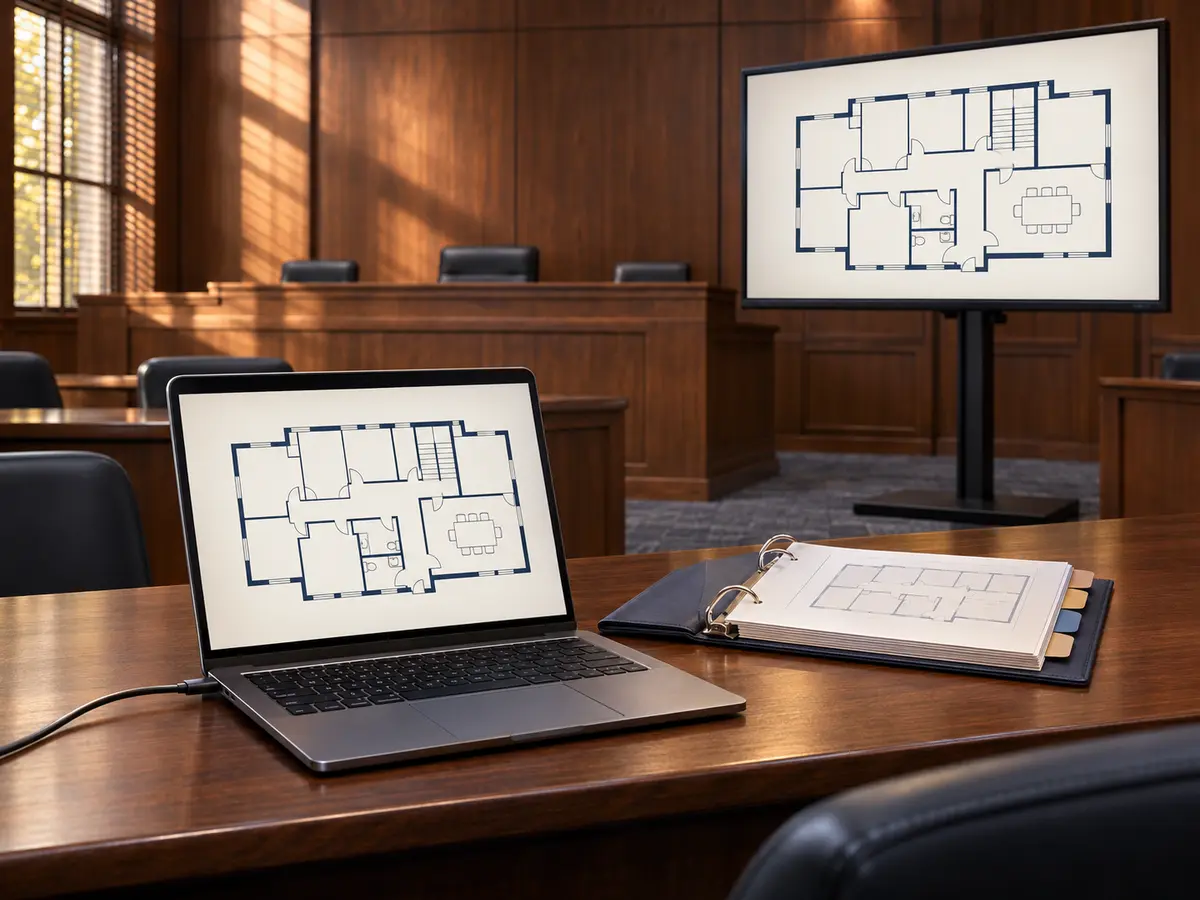
Exhibit preparation
Turn a folder of files into a working exhibit set
Your team decides what the court should see. We build the index, display copies and cues around the way you intend to question a witness or walk through a hearing.
Collate and index the exhibits
We gather the PDFs, photographs and recordings you select, apply your exhibit labels to working copies, and match each item to a filename and page reference in a master index. Keep your witness order and still find an exhibit by number when testimony takes a different turn.
Prepare what the court will see
A full-page contract may be legible at counsel table and hard to read across the room. We can enlarge a clause in context, cue an approved clip to its start and stop points, or prepare a side-by-side view. You review the presentation copies before use, and the source files stay separate.
Rehearse the handoffs
We run through the opening exhibit, a change in witness order and a return to an earlier page. Together we agree on the cue to show each item, who controls the display, and how to continue from a backup copy if the planned connection is unavailable.
Courtroom presentation
Prepare for the room you’ll actually use
Virtual hearings
We rehearse on the platform your court designates and check the view from a second participant’s screen. We test screen-sharing permissions, document legibility and clip audio. Your team practices sharing the exhibit window while keeping notes and unrelated files out of view.
In-person hearings and trials
We plan around the courtroom’s available equipment, permitted connections and sightlines. Where access allows, we test the laptop, adapters, monitor and audio ahead of time. If you need a presentation operator to call up exhibits as you speak, we’ll confirm on-site availability for your date and venue.
Hybrid proceeding? We can include both the courtroom display and a remote participant’s view in the same rehearsal.
Local team · Industry recognition
Award-winning technology support in Pennsylvania
Innovation in Business named Hallock Technologies Best Technology & Support Company 2023 – Pennsylvania. From our Scranton and Pittston offices, we help legal teams in Wilkes-Barre and across Northeastern Pennsylvania plan the technology behind their presentations.
Planning a hearing or trial
Questions attorneys ask before booking
Can we start while our exhibit list is still changing?
Yes. We can begin with a working list and your numbering convention. We agree on who approves changes and when to freeze the presentation set, then reconcile the index with the copies your team approves for the proceeding.
Can our paralegal run the presentation?
Yes. We can prepare the indexed exhibit set and rehearse with the person your firm designates. If you want Hallock to operate the display, tell us the date, venue or platform so we can confirm coverage.
How do we share confidential or redacted exhibits?
Start with scheduling details only. Before files change hands, we agree with your team on a transfer method, who may access the materials and which versions are cleared for display. Your attorneys approve the redactions, exhibit selections and presentation.
Hallock Technologies · Technology at Its Best for Your Success
Have a hearing or trial on the calendar?
Tell us the date, venue or virtual platform, approximate exhibit count, and whether you need preparation, a rehearsal or a live operator. We’ll use those details to discuss scope and availability with your team.
Please leave client names, case details and exhibit files out of the initial inquiry.